AI assistant
The AI assistant helps you work faster on diagrams and architecture modeling tasks. It can use workspace context, the company profile, and repository information to suggest or update model content.
What the AI assistant can help with
Use the assistant for tasks such as:
- Drafting a diagram from a prompt.
- Adding or updating architecture shapes.
- Explaining what a diagram is showing.
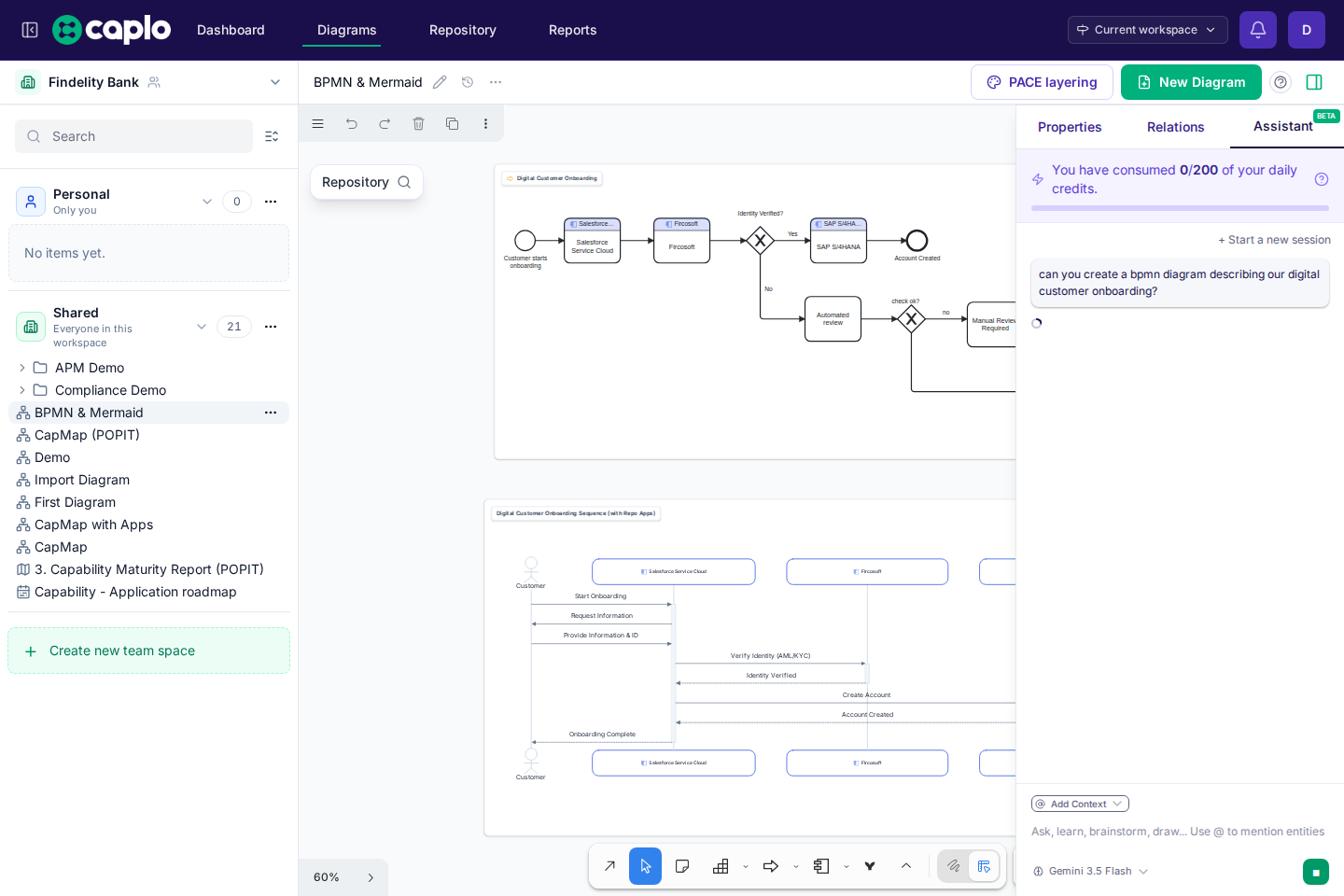
- Creating Mermaid or BPMN content.
- Suggesting relations between existing entities.
- Reworking a diagram to make it clearer.
Required setup
The assistant works best when your workspace has:
- A completed company profile.
- Useful repository entities.
- Clear entity names and descriptions.
- Diagrams with linked repository shapes where possible.
If the assistant lacks context, it may ask for clarification or produce generic suggestions.
Using AI on diagrams
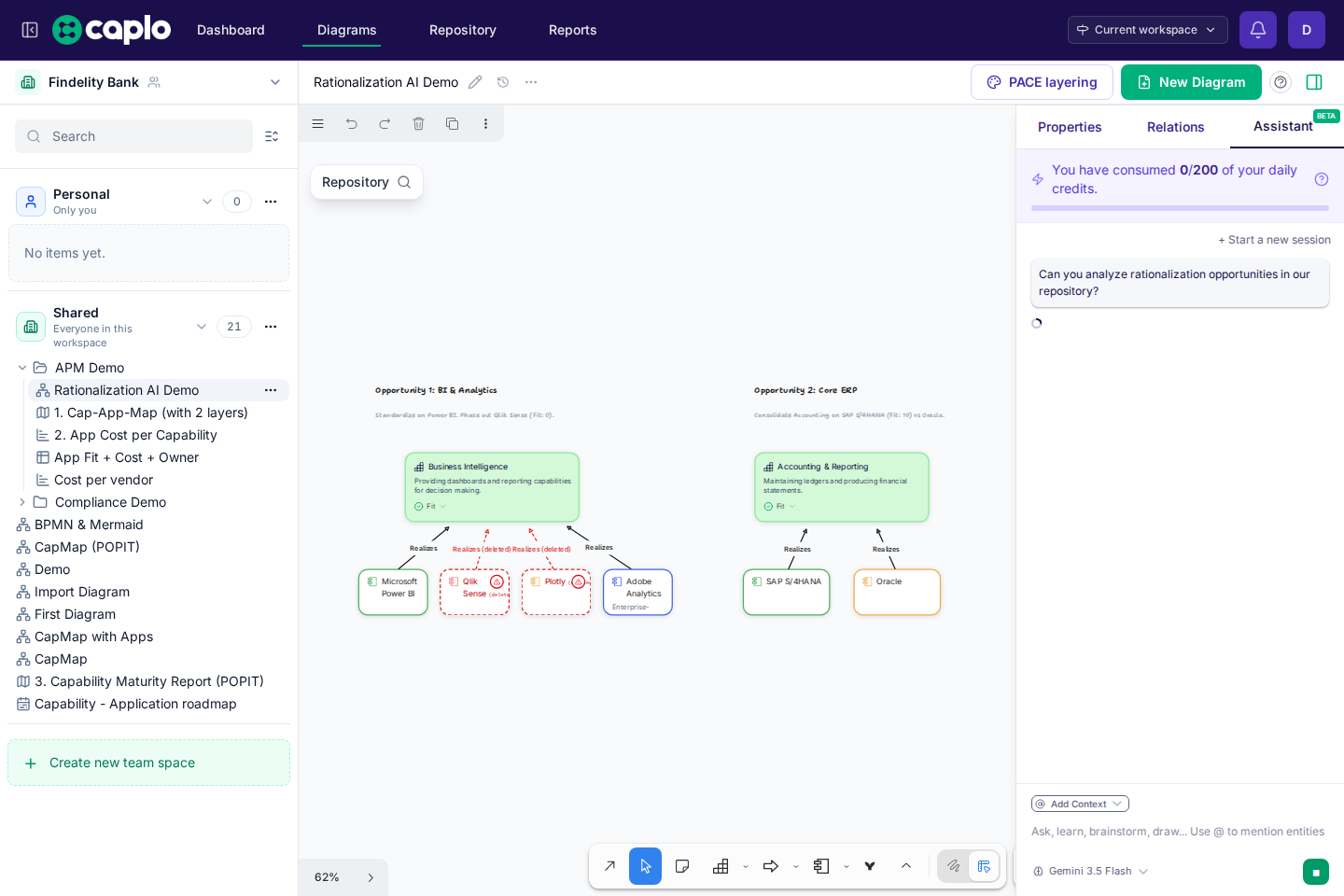
Open the AI assistant from the diagram side panel. Describe the outcome you want, not only the shape you want.
Good prompts:
- “Create a high-level application landscape for customer onboarding using the existing applications where possible.”
- “Add a data flow showing how CRM data reaches the analytics platform.”
- “Turn this rough sketch into an architecture diagram with applications, capabilities, and relations.”
Review AI changes
AI-generated changes should be reviewed before you rely on them. Check:
- Entity names and types.
- Whether new items should be approved.
- Whether relations are correct.
- Whether the diagram answers the intended question.
- Whether any generated Mermaid or BPMN content needs editing.
Credits and usage
AI usage may consume workspace credits. The product shows usage information where available so teams can understand how the assistant is being used.
Best practices
- Give the assistant a goal and audience.
- Mention whether it should reuse existing repository entities.
- Ask for small changes when accuracy matters.
- Review and approve repository changes intentionally.
- Treat AI output as a draft, not as an authoritative architecture decision.